
This guide assumes you have already completed the onboarding process. The onboarding will have the bot set up with a basic Bot Identity and a short description.
Adding the widget to your website
Go to Settings > Chat widget and copy your embed script. Paste it into the <head> tag of your HTML file.
Restart your website and you now have your own chatbot ready to serve your customers. Try asking it what the company does — it will refer to the description you wrote during onboarding.
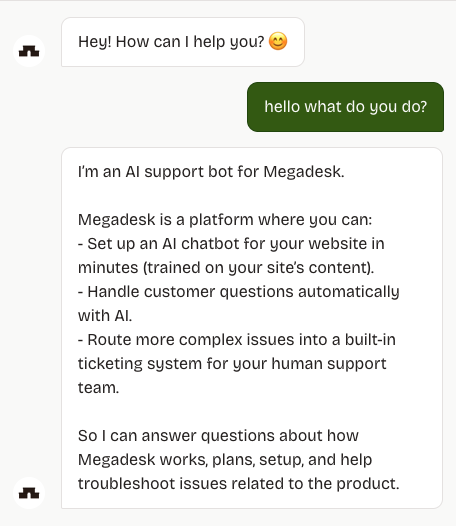
Right now the bot does not have much context. You can hide it temporarily under Settings > Bot Identity by scrolling down and enabling "Hide bot".