
Description
Here you can provide a general description of your company. Be sure to add your contact information.
Sources
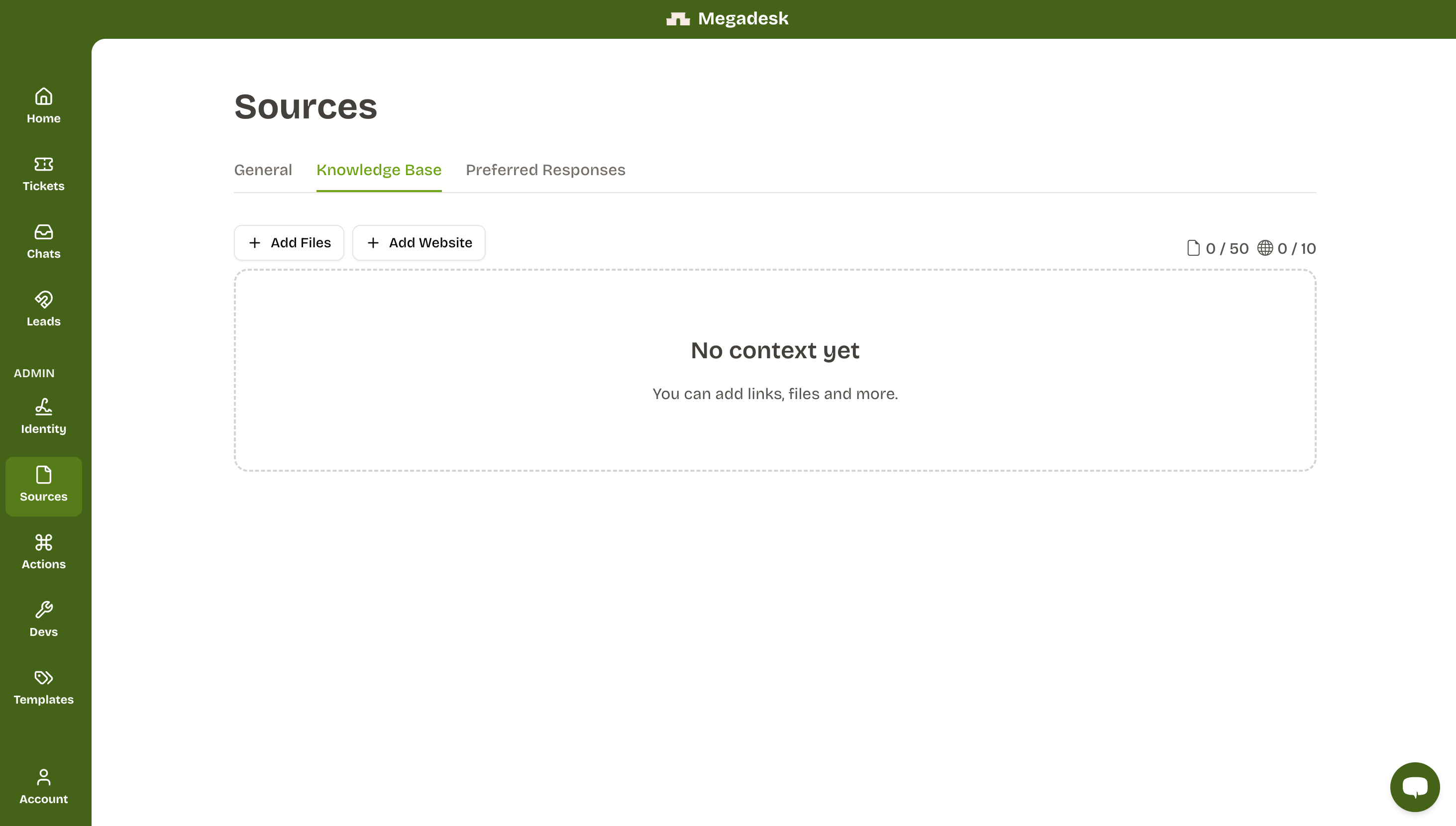
This is where you provide the data the bot uses to answer questions. The better the training data, the better the bot performs.

Add Files — Upload PDFs and TXT files. If you hit the limit, contact us for help.
Add Website — Add a website URL as a source. It's good practice to add the site where the bot is embedded, since many user questions are already answered there. You can refetch the data anytime if the site is updated.
Preferred responses
Add preferred responses to handle specific questions with a consistent, controlled answer. Click + Add response and enter the user question along with the response you want the bot to give.
Example: If a user asks "What are the opening hours?", you can provide a fixed answer even if it's not in your other data sources.